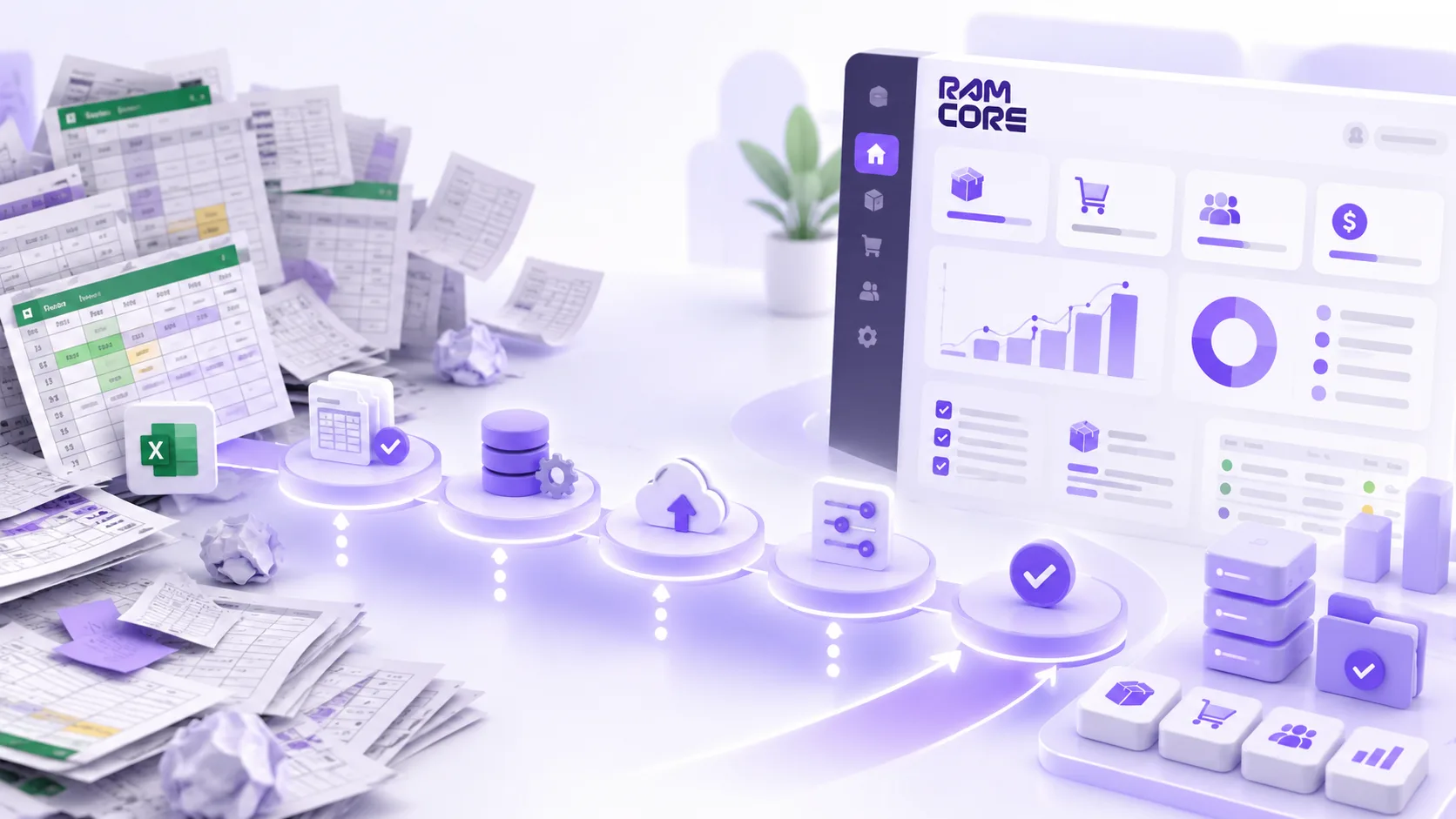
Almost every business that comes to us has the same file: a spreadsheet called "Inventory FINAL 3", edited by three people and trusted fully by none of them. Moving to ERPNext doesn't start with installing it. It starts with understanding that file.
Stage one: take stock
Before any setup, we collect every spreadsheet the business actually runs on — not the ones it's supposed to. For each file we ask three questions:
- Who edits it, and how often?
- Which decisions are made from it?
- What would happen if it vanished tomorrow?
A file nobody can answer the third question for doesn't move. It gets archived.
Stage two: clean before you move
Moving messy data into a new system doesn't clean it; it makes it look official. We unify item names, remove duplicate customers and agree on units of measure. It's the longest stage, and the one that saves the most time later.
Stage three: set up on staging
We set up the company, branches, warehouses and chart of accounts on a staging site, then import a real sample of data. The team runs a full cycle: purchase order, receipt, invoice, payment.
Stage four: train on the working day
We don't train on "the system". We train on someone's day: what the storekeeper does in the morning, what the accountant checks at month end. Training that starts with a list of modules is forgotten before it's over.
Stage five: cutover day
We pick a quiet day, usually the start of a month, post the opening balances, then lock the old spreadsheets against edits. A spreadsheet that stays editable after cutover stays in use.
A successful move isn't measured on go-live day. It's measured the month after, when a manager asks for a number and it comes from the system instead of a file.